
Self Service Portal Language Support
The Self Service portal currently supports 5 Languages
- English
- French
- Spanish
- German
- Dutch
In order to make these available in the Customer self service portal they must be added as Language options in the CRM.
To enable Multi-Language support:
- Navigate to the CRM advanced settings page by clicking the setting gear icon in the top right corner of the CRM solution.
- Click on Administration in the left hand navigation ribbon
- Click Languages
- Select any or all the supported Languages.
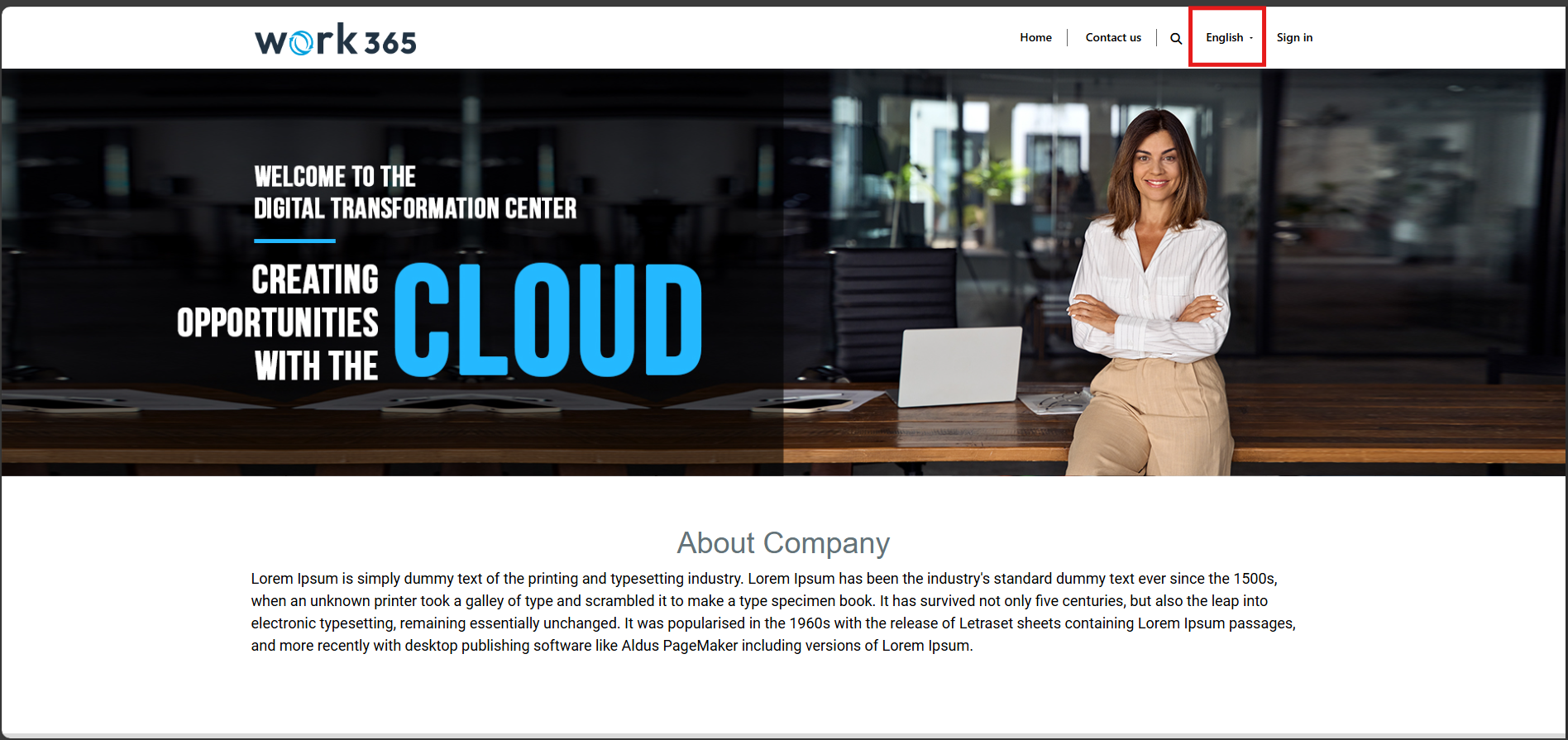
- Head over to the portal and in the navigation bar there will be a dropdown with the selected languages.
Updated 12 months ago
Did this page help you?