
Pricing Strategy
Use Pricing Strategy to calculate Subscription Pricing using a Discounting or Markup
Pricing Strategies are used to calculate Subscription prices. A pricing strategy can be configured as a discount or markup from either the selling price per unit or the cost price per unit. This creates simple formulas for managing subscription pricing. For example, you can create a pricing strategy that maps to the suggested retail price for a product. Additionally, you can create another pricing strategy that adds 10% to the listed cost price for a product. Multiple pricing strategies can be configured at the global level. The formula always follows this form:
{Retail Price or Cost Price} has {X%} {Discount or Markup} applied to it.
Markup vs margin calculationsMarkup is the amount by which a price is increased, while margin is revenue minus the cost of goods sold.
Work 365 always calculates using markup, not margin. For more information, see Markup vs. margin.
At the customer account level, multiple pricing strategies can be assigned to align with the different options for subscription commitment terms. For instance, you can assign a retail pricing strategy to the monthly commitment term option and a 10% discount from the retail price for an annual commitment term. Customer accounts can only have one pricing strategy defined for each of the commitment term durations. Additionally, a default pricing strategy can be set as a catch-all for commitment terms that don't have a pricing strategy assigned.
Pricing strategies can also be set or overridden at the Subscription level. For instance, if a retail pricing strategy is defined for the customer at the account level, a subscription specific pricing strategy can be set as retail plus a 5% markup for a product that has extra service offerings included.
Examples
Below are some examples of Pricing Strategies
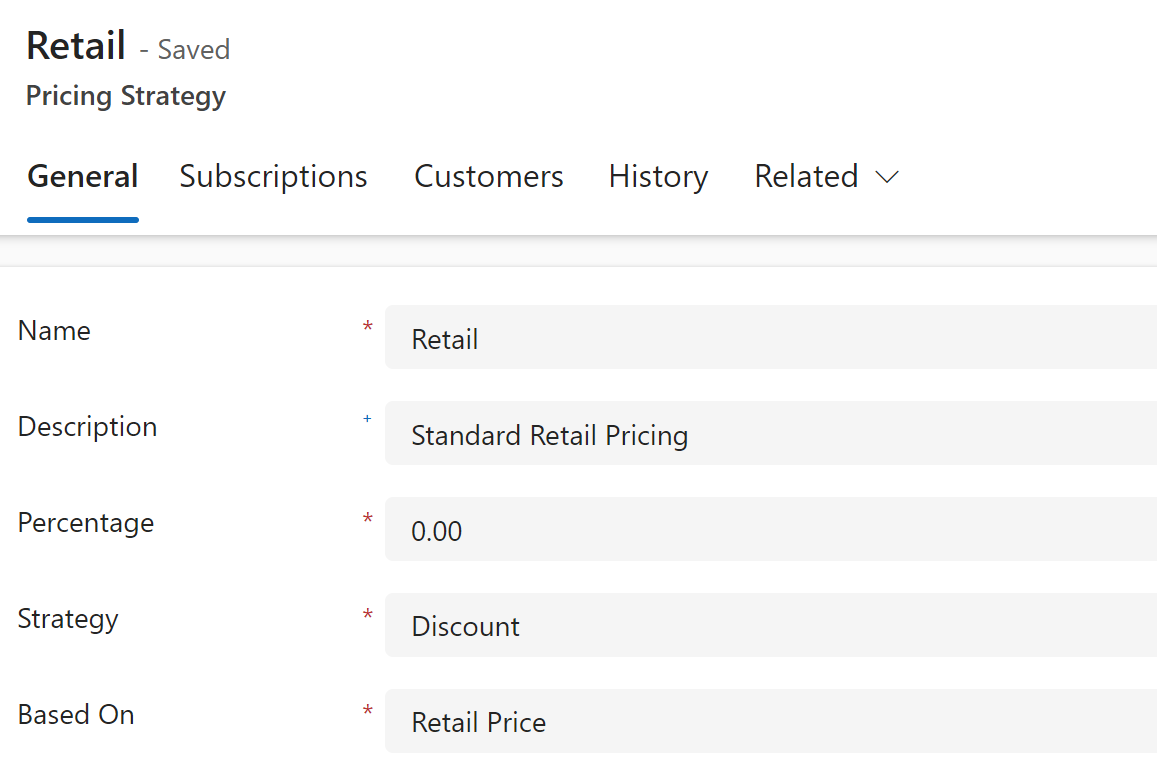
Retail Pricing
Formula: Retail Price is discounted by 0%.
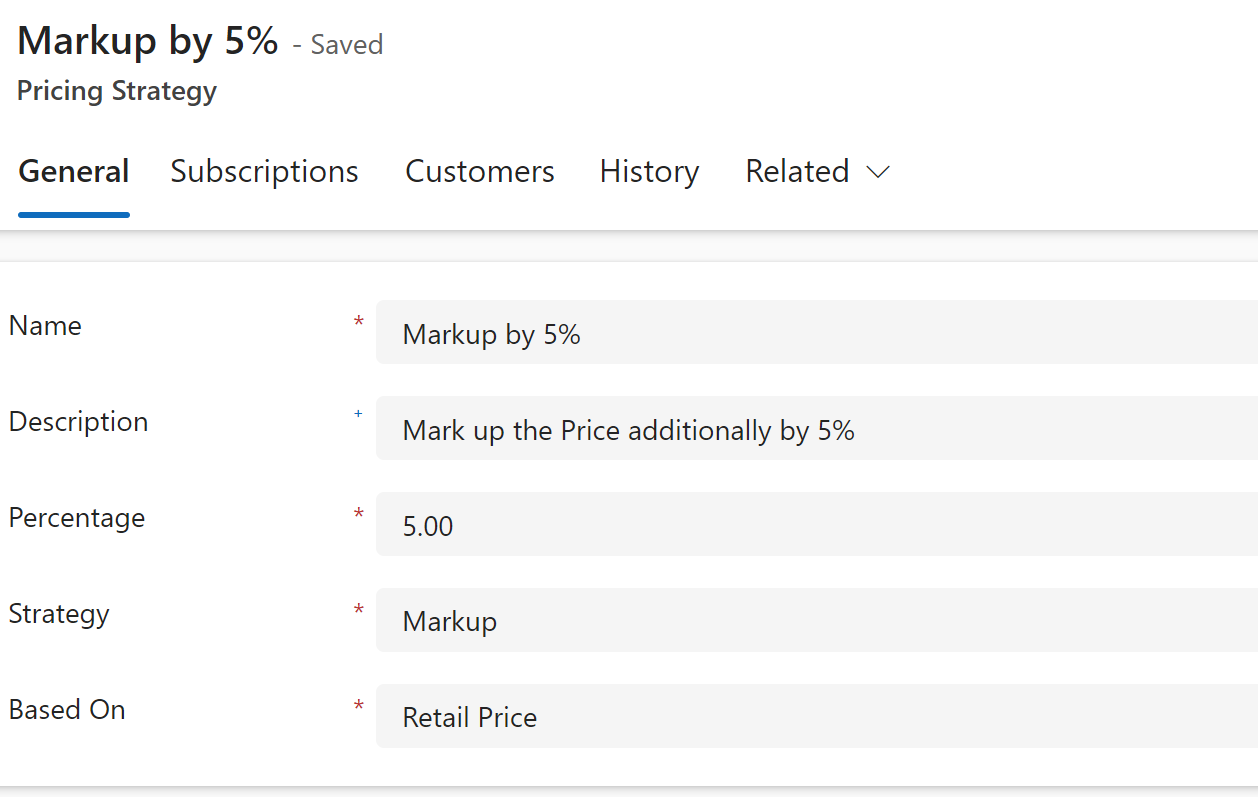
Markup Retail Price
Formula: Retail Price is marked up by 5%.
Margin Based Pricing
Work 365 supports Margin-Based Pricing as a native pricing strategy alongside markup and discount. Partners can enter a desired margin percentage and Work 365 automatically calculates the correct selling price — no manual conversion required.
Many CSP partners think about profitability in terms of margin — the percentage of profit relative to the selling price, rather than the cost. Without native margin support, partners would need to manually convert margins to markups, which introduces errors and inefficiency.
Work 365 computes the sale price using the following formula:
Sale Price = Cost Price ÷ (1 − Margin %)
Example
| Field | Value |
|---|---|
| Cost Price | $21.12 |
| Desired Margin | 20% |
| Calculated Sale Price | $26.40 |
| Profit | $5.28 |
This is equivalent to a 25% markup, expressed as a margin — the way many finance teams prefer to work.
How to Use Margin-Based Pricing
- Navigate to the pricing configuration for a product or subscription.
- Select Margin % as the pricing strategy.
- Enter your desired margin percentage.
- Work 365 automatically calculates and applies the correct sale price.
Margin-based pricing works across all product types and subscription models within Work 365.
Benefits
- Eliminates manual margin-to-markup conversions.
- Reduces pricing errors and improves billing consistency.
- Aligns with how finance and sales teams think about profitability.
- Profit metrics update automatically as cost prices change.
Updated 7 months ago